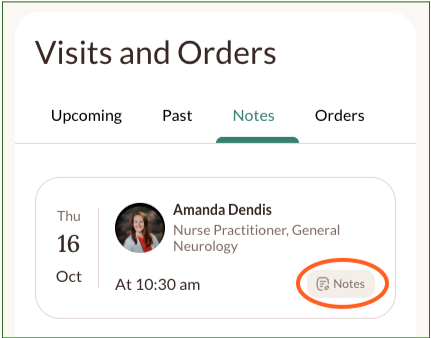
After each visit, your provider’s notes will be available in your Neura Health patient profile. These notes summarize your visit, including key findings, recommendations, and next steps—so you can easily review and reference your care plan anytime.
To access them, log in to your patient profile at www.neurahealth.co and click the “Notes” tab.
If you don’t see your notes or need help downloading or sharing a copy, please reach out to our support team at support@neurahealth.co. We’ll be happy to assist.